
Hands-On with ChatGPT Atlas: How OpenAI’s AI Browser Reimagines the Web
We installed OpenAI’s Atlas browser on launch day to see how ChatGPT-native chat, memory, and agent automation change everyday browsing. Explore setup flows, agent demos, and why built-in summaries challenge traditional extensions.
ChatGPT Atlas: First Impressions from the BibiGPT Team
⏱️ All of the launch videos, interviews, and product walkthroughs for this article were condensed with BibiGPT. Try it on the Atlas keynote yourself and feel the difference between skimming and truly understanding.
The Browser Wars Go AI-Native
OpenAI just dropped ChatGPT Atlas, an AI-first browser that puts agents and summaries on center stage. Chrome still commands roughly 4 billion users, while ChatGPT has climbed past 800 million weekly actives. Atlas is OpenAI’s bid to merge those audiences and redefine what a “browser” even is.
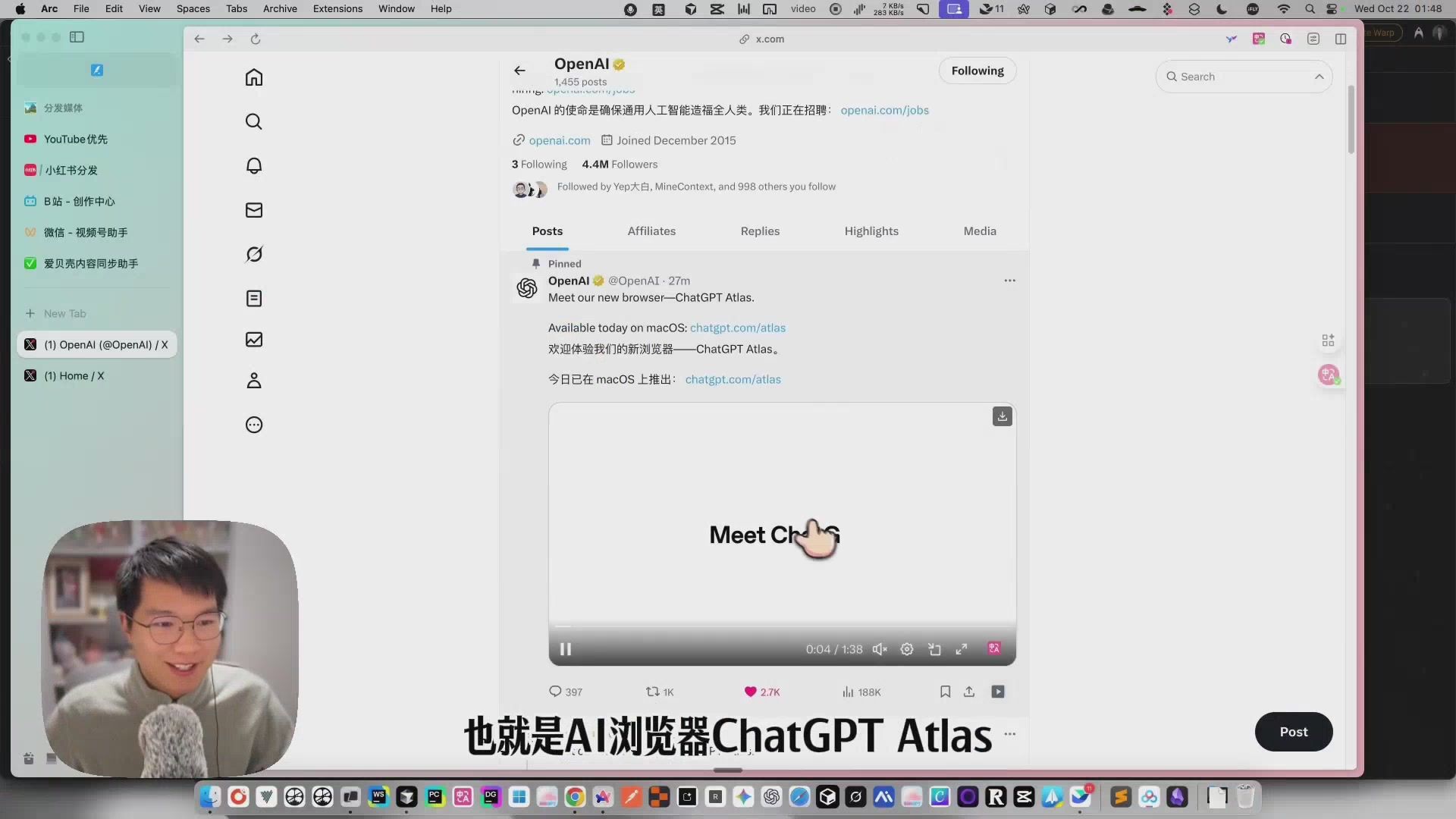 OpenAI announces Atlas
Rethinking the Browser from a Conversation
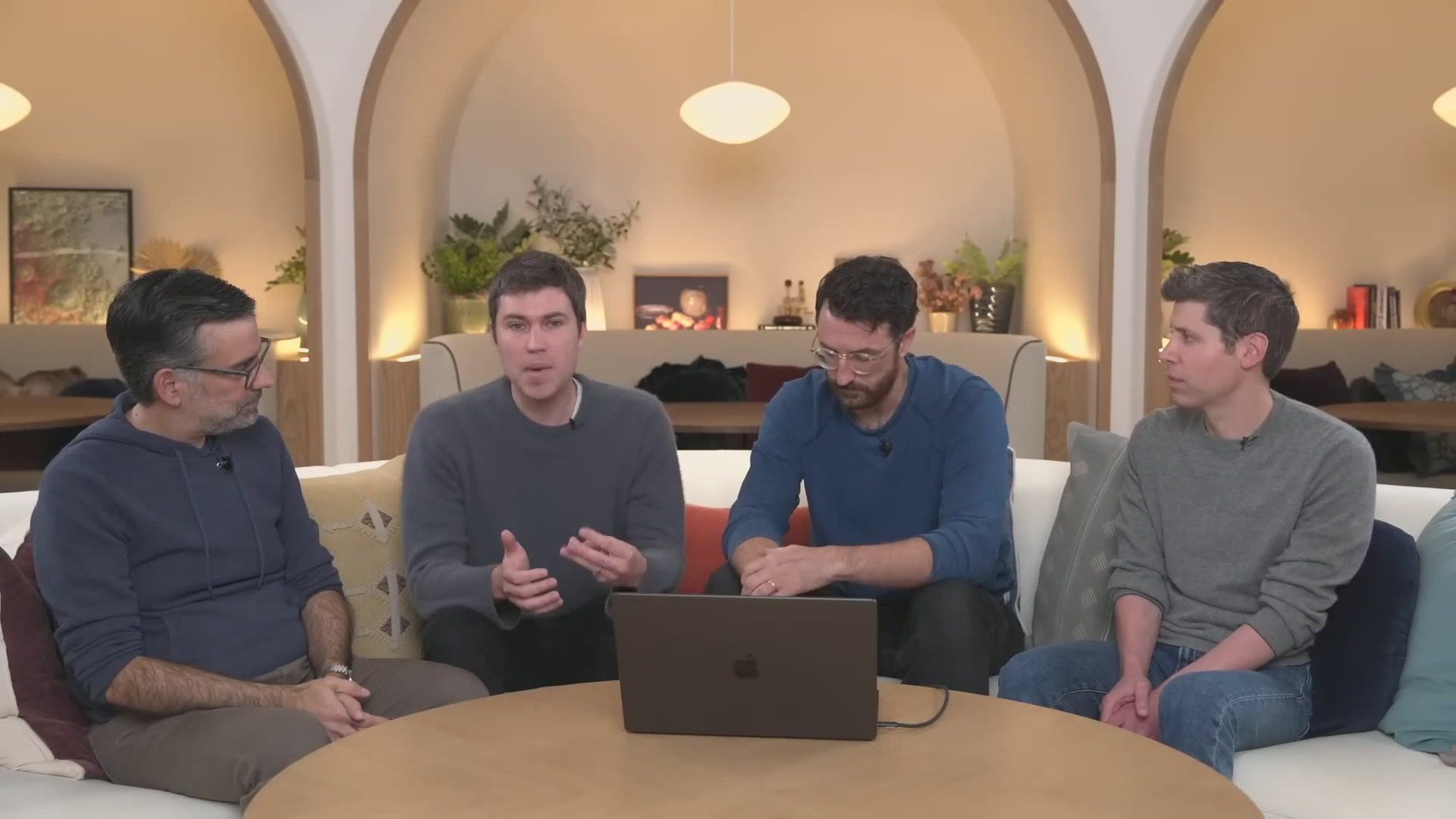
The Atlas team asked one deceptively simple question: What if you could just talk to your browser? That prompt unlocked a ground-up redesign focused on clarity over clutter.
 Sam Altman explains the vision
Chat, Memory, Agent: The Three Pillars
 Atlas core features
- Chat Anywhere – Invoke ChatGPT on any page and it instantly understands the context you’re reading.
- Browser Memory – Atlas learns long-term preferences, remembering what matters to you.
- Agent Mode – Let the AI click buttons, fill forms, and complete multi-step flows with a ghost cursor that shows every move.
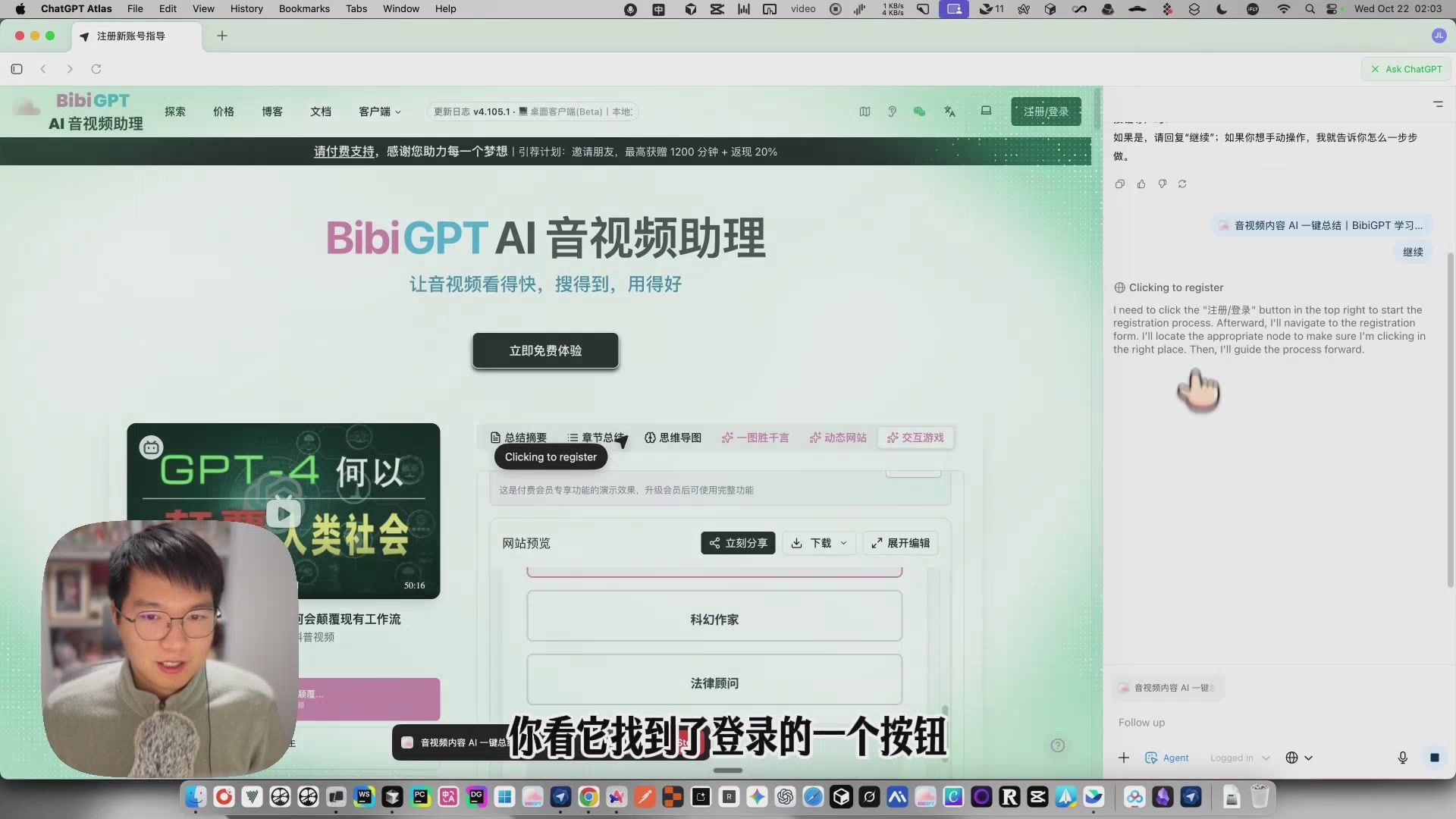 Agent mode in action
Installation & Migration
Downloading Atlas is painless: grab the macOS build, drag it to Applications, and sign in.
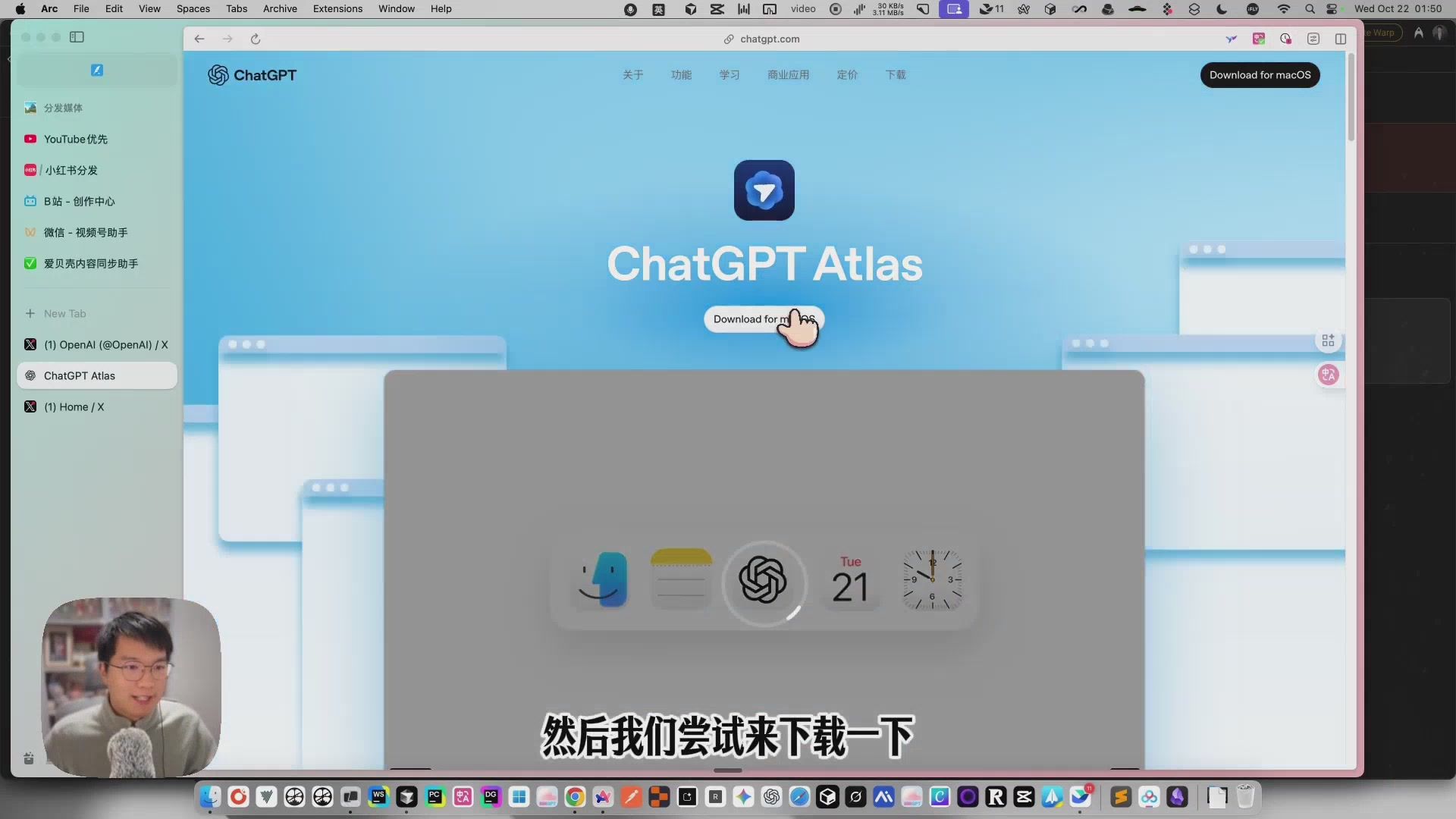 Atlas download page
The setup wizard walks through Chrome/Safari data import, including bookmarks, history, passwords, and even multiple Chrome profiles. Migration friction is close to zero.
 Import from Chrome
Once inside, the left sidebar mirrors the full ChatGPT client—conversations, custom GPTs, files—so you never juggle windows or tabs to run prompts.
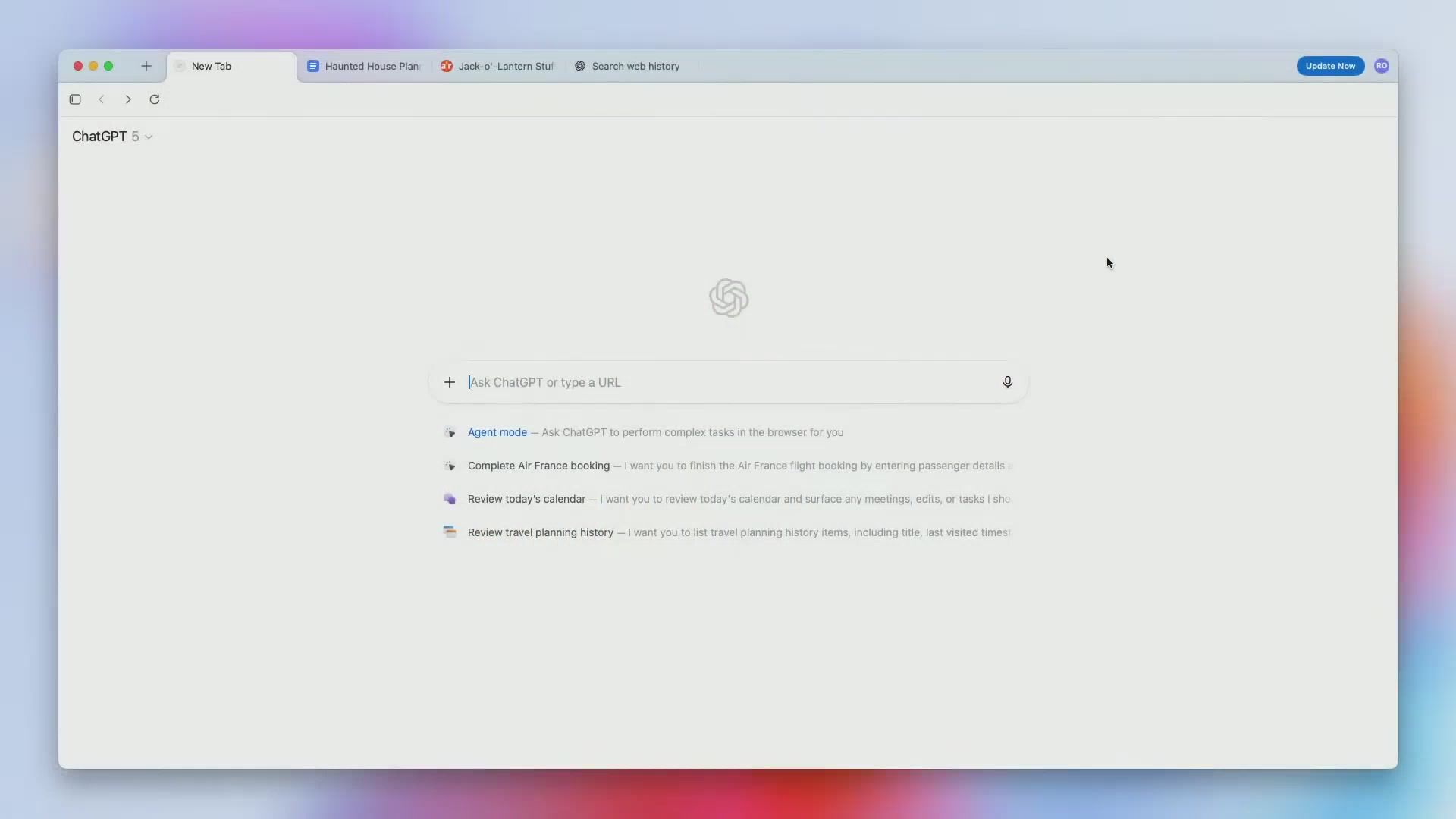 Home screen UI
Native AI Features That Challenge Extensions
Atlas is based on Chromium and still installs Chrome Web Store extensions, but many common use cases are covered by default.
Built-In YouTube Summaries
When you open a YouTube video, the ChatGPT sidebar offers a Summarize button. In seconds you get topics, key ideas, and timestamped chapters—direct competition for third-party summary tools.
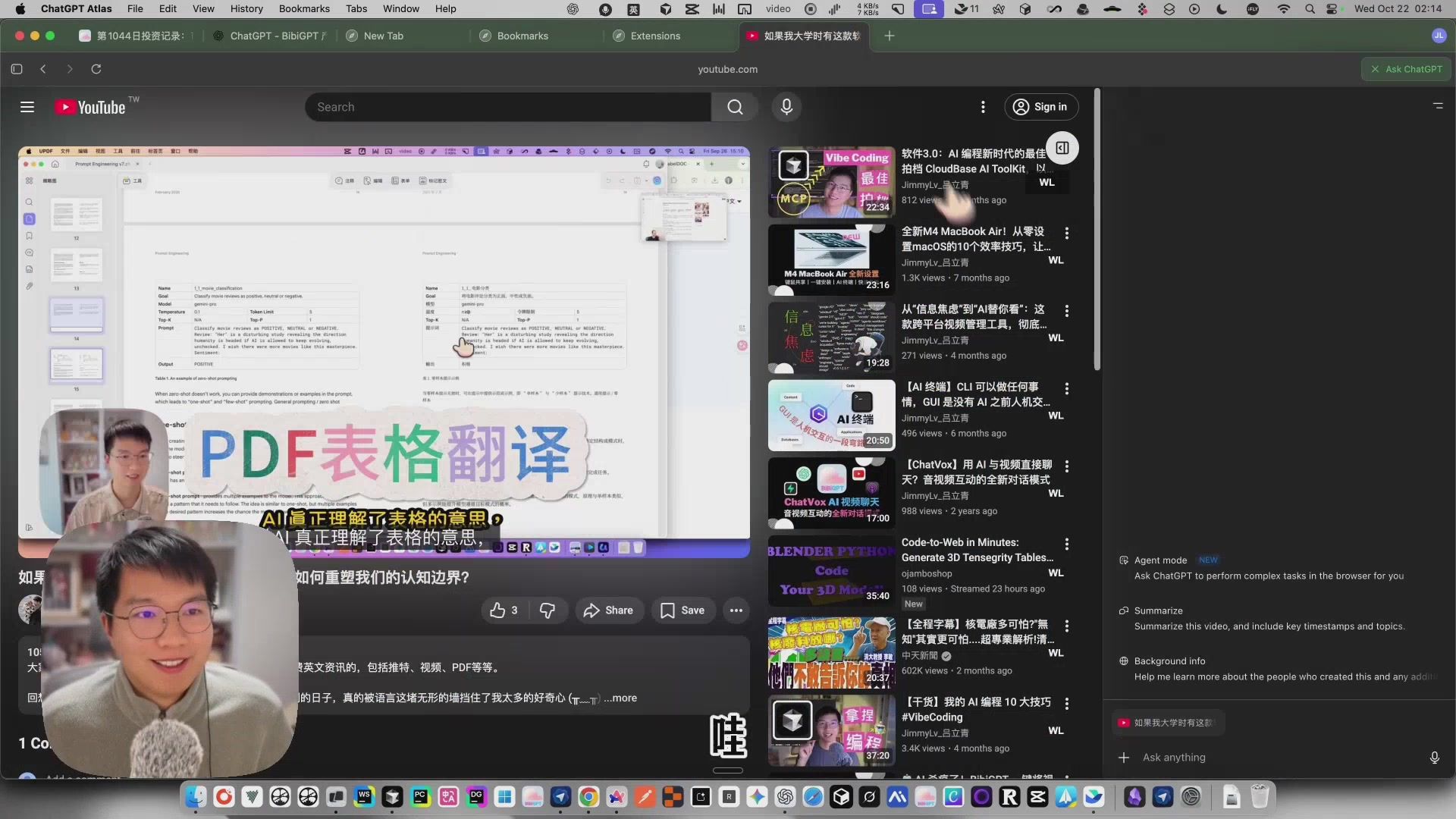 Native video summary
Other AI perks include smarter auto-fill, contextual search, and page Q&A, all powered by the same memory system that keeps Atlas personalised.
What Comes Next
Atlas is available on macOS today, with Windows and mobile versions in the queue. It feels less like “Chrome with ChatGPT bolted on” and more like an AI operating system for the web.
For builders of AI tools (yes, even us at BibiGPT), it’s a wake-up call: the baseline browser experience is getting smarter, so specialised workflows must go deeper.
Try BibiGPT on the Atlas Launch
Curious about the product videos, press Q&As, or community reactions? Summarise them in minutes with BibiGPT:
- Upload launch livestreams or interviews
- Extract highlights plus timestamped transcripts
- Sync takeaways to your favourite note app
- Experiment with custom prompts to critique the UI or compare Atlas with Arc/Ghostery
If the browser war is just beginning, treat BibiGPT as your intelligence layer—it turns every video announcement into reusable knowledge.