
Best NoteGPT Alternatives in 2025: 5 AI Audio/Video Summary Tools (BibiGPT & More)
A comprehensive comparison of NoteGPT alternatives for AI-powered audio and video summarization. Explore BibiGPT, ScreenApp, Monica, Notion AI, and Otter.ai—their unique features, ideal use cases, and how to choose the best tool for your workflow in 2025.
Best NoteGPT Alternatives in 2025: 5 AI Audio/Video Summary Tools (BibiGPT & More)
Keywords: NoteGPT alternatives, AI audio video summary, BibiGPT, video summarization, podcast transcription, learning efficiency
Table of Contents
- Why Look for NoteGPT Alternatives?
- Top 5 NoteGPT Alternatives (Including BibiGPT)
- Recommendations & Use Case Matching
- Conclusion & Next Steps
Why Look for NoteGPT Alternatives?
NoteGPT excels at "cross-format content summarization," making it easy to quickly transform long-form content into text and outlines. However, in 2025's learning and creative workflows, more and more demands come from audio and video: structured search of long videos, podcast transcription with chapter navigation, cross-language subtitles and concept maps, and moving from visual key points to practical outputs (like presentations, interactive websites). These "from listening and watching to creation and application" tasks require a toolset focused on deep understanding of audio and video.
To address this, we've compiled 5 tools that are more tailored to audio/video summarization and application, helping you make more efficient choices based on your own scenarios.
Top 5 NoteGPT Alternatives (Including BibiGPT)
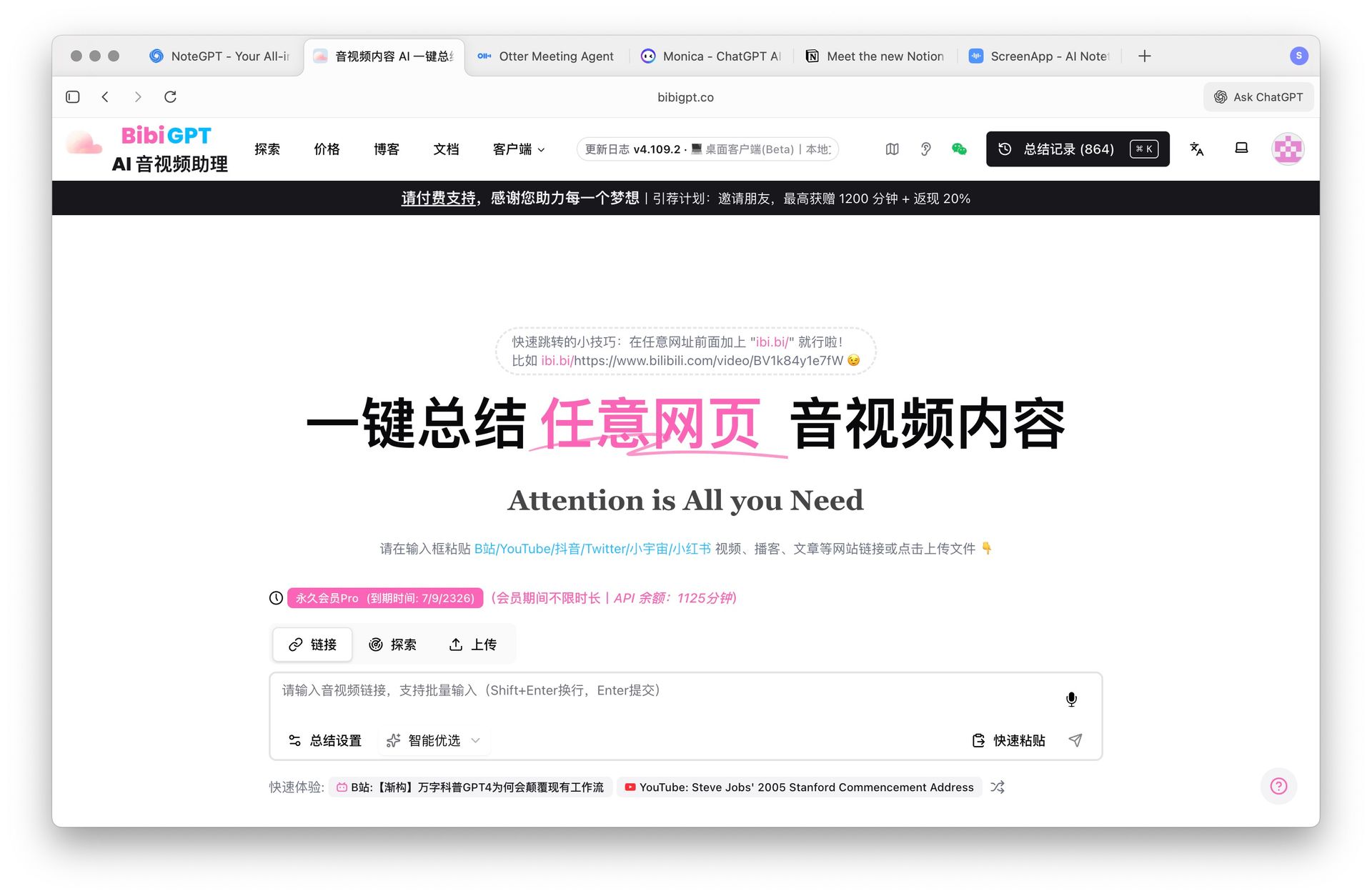
1. BibiGPT — AI-Powered Audio/Video Learning Assistant
 BibiGPT Cover
Core Highlights:
- Cross-platform audio/video support: Bilibili, YouTube, podcasts, and local files—one-click generation of subtitles, summaries, concept maps, and key point cards.
- Multimodal understanding: Combines visual and audio for structured extraction, ideal for knowledge-intensive long videos with "quick overview + precise review."
- Practice-oriented output: Export to presentations and structured notes, with integration support for Notion, Obsidian, Readwise, and more.
Typical Scenarios & Entry Points:
- Need to quickly complete YouTube video summarization with timestamp navigation and key point extraction.
- Chinese-friendly summaries for long Bilibili videos with precise chapter and key point location.
- Intelligent podcast summarization combining transcription, search, and playback.
- Local asset management and local speech-to-text scenarios.
Want to explore all features systematically? Visit our tool collection: AI Audio/Video Assistant.
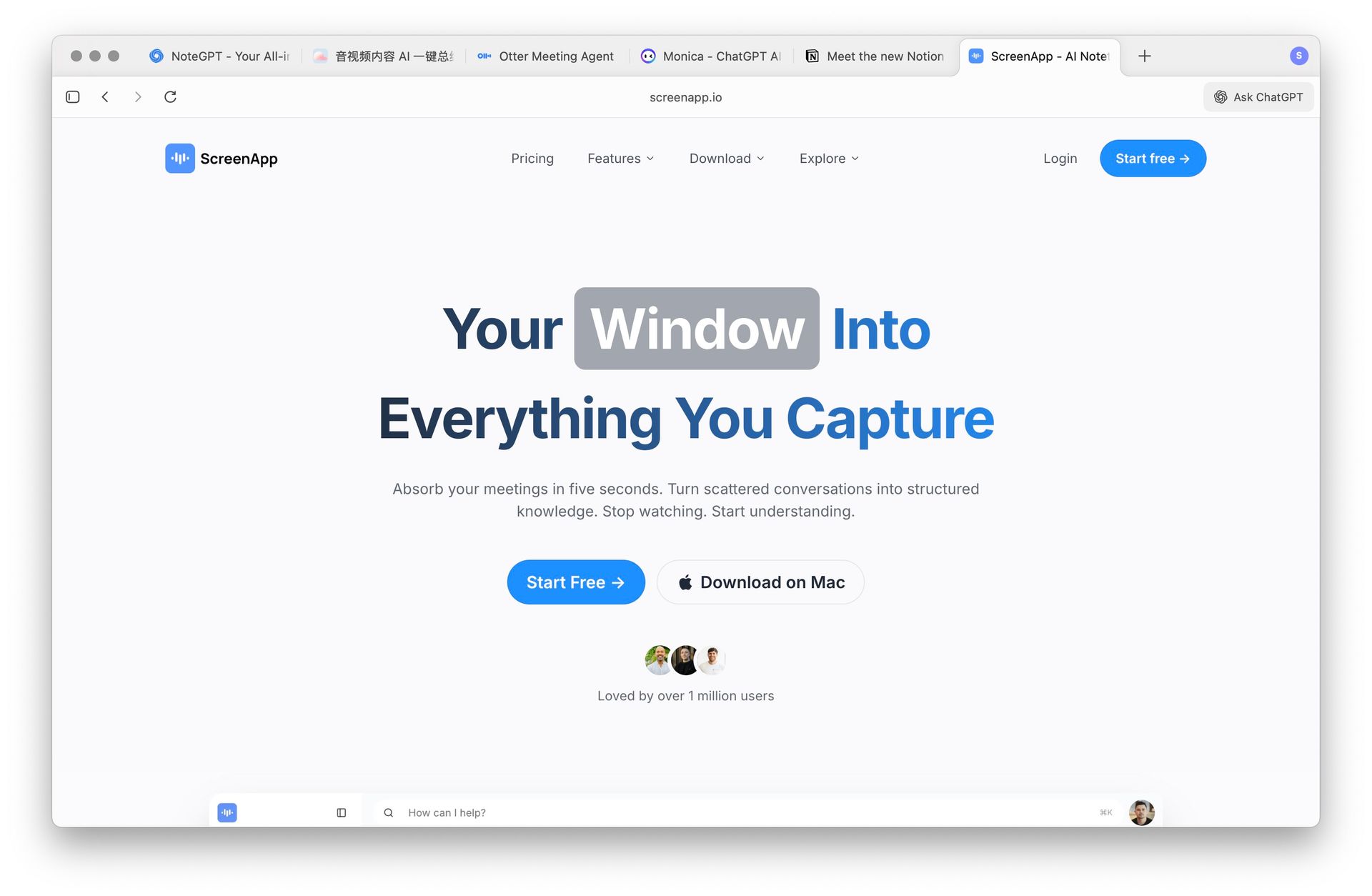
2. ScreenApp — Active Creation & Team Collaboration
 ScreenApp
Emphasizes "create while recording," integrating screen recording, meeting notes, and summarization for tutorial creation, team collaboration, and training review. If your need is to quickly distill "real-time activities" into knowledge, ScreenApp is a great complement.
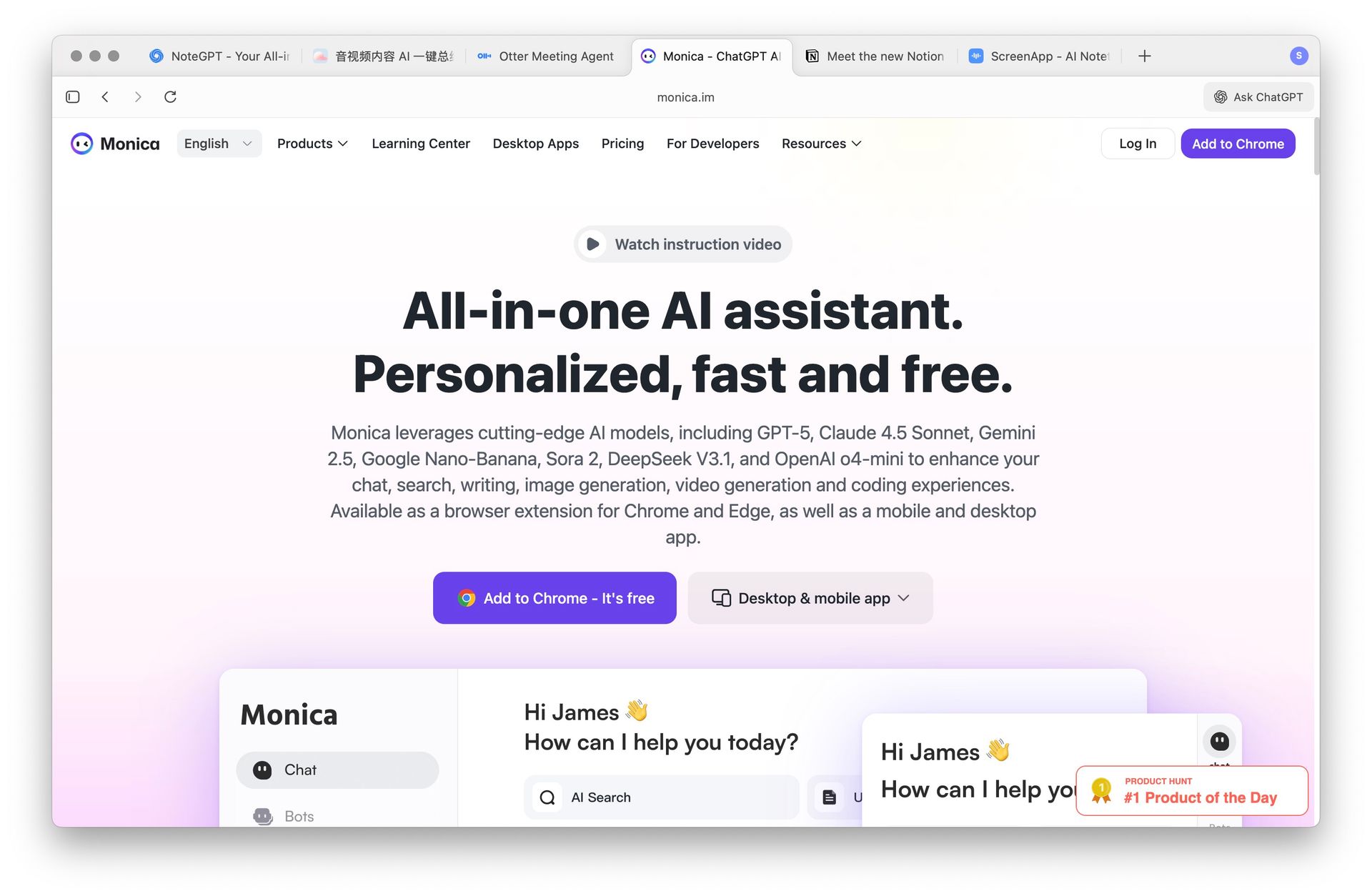
3. Monica — Multi-Scenario Browser Assistant
 Monica
Directly invoke summarization, rewriting, translation, and other capabilities in a webpage sidebar, covering "what you see is what you get" processing workflows. Suitable for lightweight summarization and organization of web articles, emails, and temporary materials.
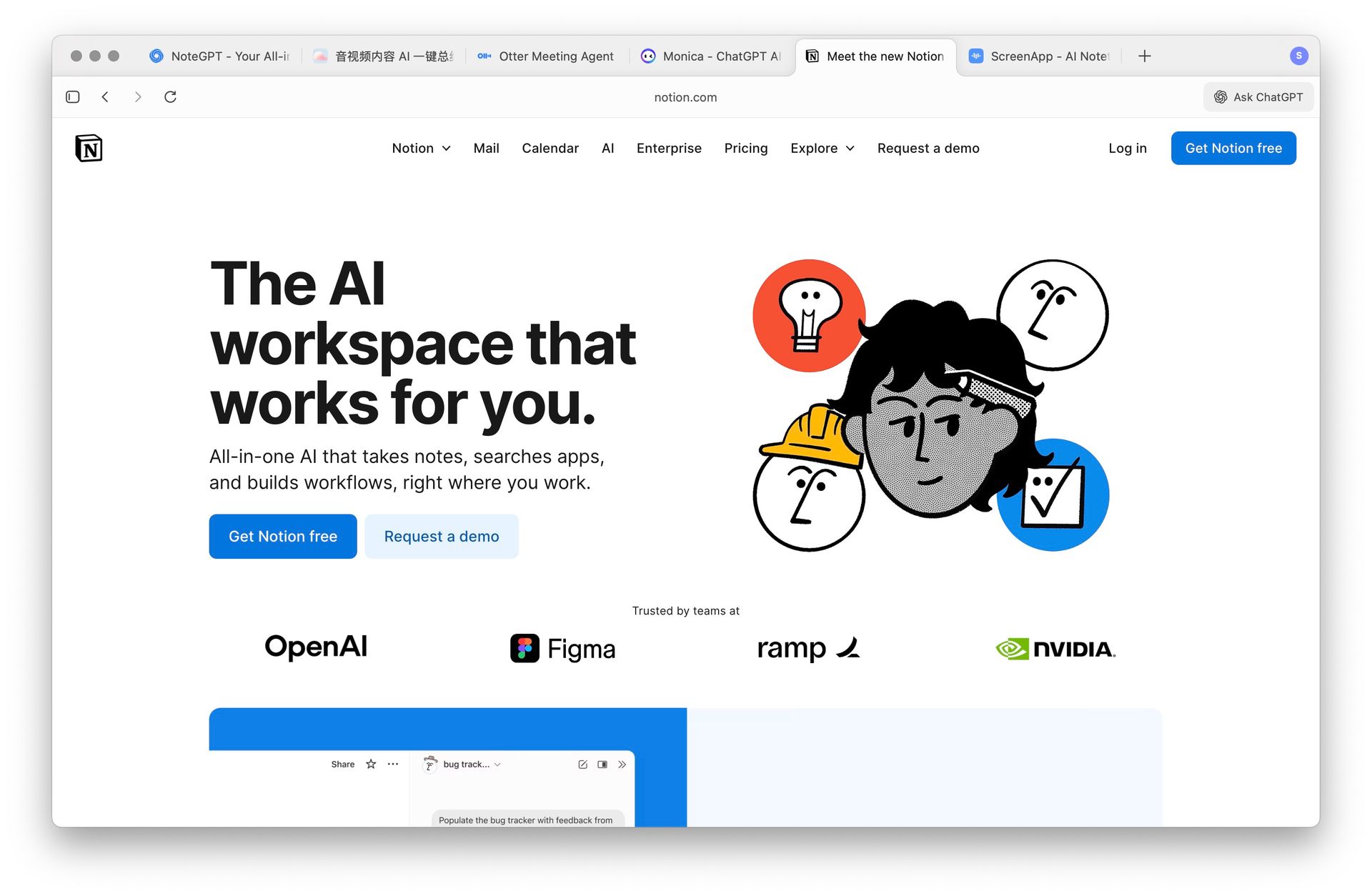
4. Notion AI — Integrated Writing in Your Knowledge Base
 Notion AI
Excels at writing enhancement, meeting minutes, and task organization within a knowledge base environment. Suitable for teams and individuals deeply using Notion. Performs stably in systems where "material precipitation and collaborative editing" are core.
5. Otter.ai — Real-Time Transcription & Meeting Notes
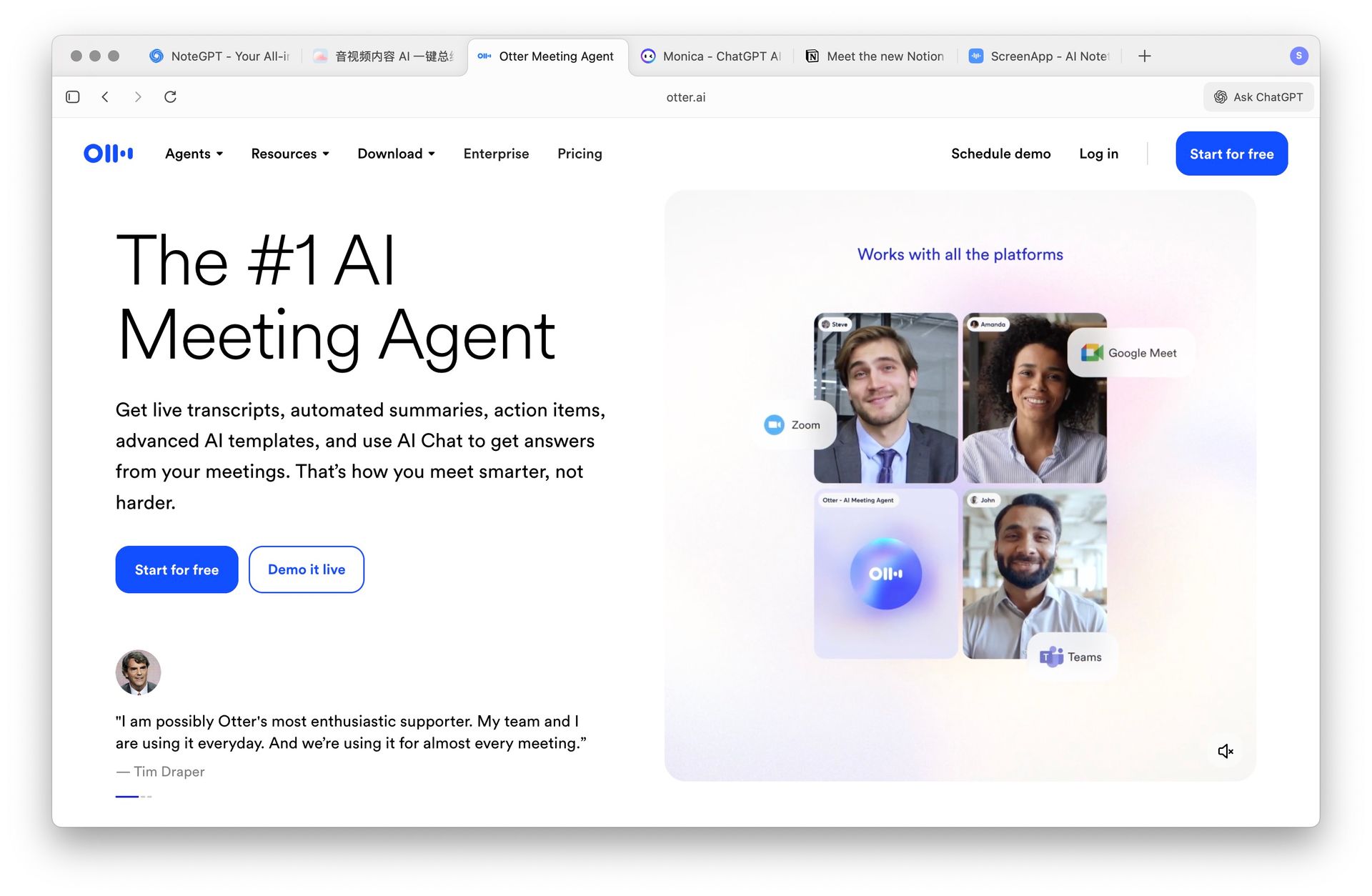 Otter.ai
Strong in "multi-speaker recognition + real-time transcription," suitable for instant recording scenarios like online meetings, classrooms, and interviews. If you're more focused on accurate capture and collaboration of meeting minutes, it's worth considering.
Recommendations & Use Case Matching
- Audio/video-centric learning & research: Prioritize BibiGPT. Its chapter-based understanding of long videos, concept maps, key point cards, and export capabilities can most quickly turn "watched" into "reusable."
- Need real-time recording & team collaboration: ScreenApp and Otter.ai are more suitable.
- Casual web page & document processing in browser: Monica offers broader coverage.
- Heavy knowledge base users: Notion AI has clear integration advantages.
Further reading:
- Why do deep summarization of audio and video? Check out our Interactive Video Learning Method and Concept Map Learning.
- Platform-specific practical guides: How to Summarize YouTube Videos · How to Summarize Bilibili Videos.
Recommended BibiGPT Features
Based on this article, we recommend the most relevant AI audio/video processing tools
AI YouTube summary
Generate instant AI summaries for YouTube videos with timestamp navigation and key takeaways.
AI Bilibili summary
Chinese-friendly summaries for Bilibili videos with accurate chapters and highlights.
AI podcast summary
Transcribe, search, and replay podcasts to capture the key talking points.
Conclusion & Next Steps
Which tool to choose depends on whether you value "cross-format text conversion" or "audio/video understanding and application" more. If your core materials are video and audio, and you want to further produce presentations, structured cards, and searchable notes beyond summarization, BibiGPT will be a more fitting solution.
- Explore our tool collection and application scenarios: AI Audio/Video Assistant
- Start your summarization and creation journey now: Visit BibiGPT Official Website
Thank you for reading, and we wish you an efficient, focused, and reusable learning and creative experience in 2025!